classquest promo image

Lesson letter

Classquest duration : 45 minutes
Target audience : Ages from 7 to 12

In this classquest, the class embarks on a mission together to help Isobel. Something strange has happened in 'Cyber Hero Legends' (the game within HackShield), but Isobel does not yet know exactly what is going on. Together with the class, she investigates the situation to solve the mystery.

Throughout the quest, Isobel stays in contact with the class through the E-dex: an interactive device she uses to ask questions and keep the children engaged and alert during the game.

As the children play the game, they gradually discover that the player they have been communicating with may not have good intentions. They learn to recognize warning signs and patterns that could indicate online grooming.

Learning goals

The students:

  1. recognize the warning signs of online grooming and know when to be alert
  2. understand that they can always stop online contact, especially if something does not feel right
  3. know where to seek help if they are concerned
  4. understand that online gaming can be fun but may also involve risks
  5. practice communicating safely online

Link to DigComp*

  1. D2 communication and collaboration
  2. D4 safety, wellbeing, and responsible use

*DigComp (the Digital Competence Framework for Citizens) is an EU framework that describes the digital skills people need to use technology confidently, safely, and responsibly. For primary school teachers, it provides a clear reference for helping children learn basic skills such as finding information online, creating simple digital content, staying safe on the internet, and behaving respectfully in digital environments. DigComp supports a shared European understanding of what “being digitally competent” means at different ages.

Necessities

  1. Interactive whiteboard / smartboard. Create a teacher account in advance.
  2. Would you like to preview the quest beforehand? Click "Practice" at the beginning. Completing the practice mode takes approximately 30 minutes.
  3. Worksheet – Isobel’s Pinboard (Appendix 6)

Glossary

  1. Groomer: someone on the internet who pretends to be kind or friendly but actually has bad intentions. They use different manipulation strategies to gain a child’s trust, for example to get personal information or convince someone to do things that are unsafe.
  2. E-Dex: the E-Dex is a special device that exists only in HackShield, which Isobel, the COPS detective, uses to send messages to the class during the mission.
  3. Esports player: are people who are very good at video games and compete against other players or teams. Just like in football or tennis, they can train, participate in tournaments, and sometimes even win prizes.
  4. AFK: stands for “Away From Keyboard.” It means someone is temporarily away from their computer or game.
  5. Clan leader: a clan leader is the leader of a group of players in a game. This person helps the team work together, makes plans, and makes sure everyone plays well together.
  6. Loot: items or rewards you receive in a game.

The lesson

Introduction - 10 min

Tell the students that something has happened online during a game and that they will help Isobel, the COPS detective, investigate what happened. Do not reveal yet that the topic is online grooming. The students will discover this themselves at the end of the Classquest. At that point, make sure there is enough time and space for an open and safe classroom discussion about the topic.

Start the lesson by connecting to the students’ own experiences. Discuss what they know about online gaming and social platforms. For example, ask:

  1. Which games or platforms do you use?
  2. Do you ever talk to people you do not know online?
  3. What kinds of things do you experience online?
  4. What do you enjoy about online contact? Are there things you do not like?

You can collect the students’ answers in a mind map.

Core - 30 min

Start the quest on the interactive whiteboard and tell the students that you are going to begin the game together. Before starting, review the classroom rules that apply when playing a game together on the whiteboard. For example, you may choose to have students take turns reading parts of the text aloud.

Throughout the Classquest, Isobel asks various questions to encourage discussion about gaming and online grooming in an accessible and age-appropriate way.

During the mission, the students complete two short energizers and solve four puzzles.

Energizer 1

The students take part in a short energizer activity. They stretch their arms and fingers as high as possible ten times, then balance on each leg five times. The character explains that these exercises are used by e-sports players to prepare for a competition. The energizer helps students get moving and then focus their attention on the lesson.

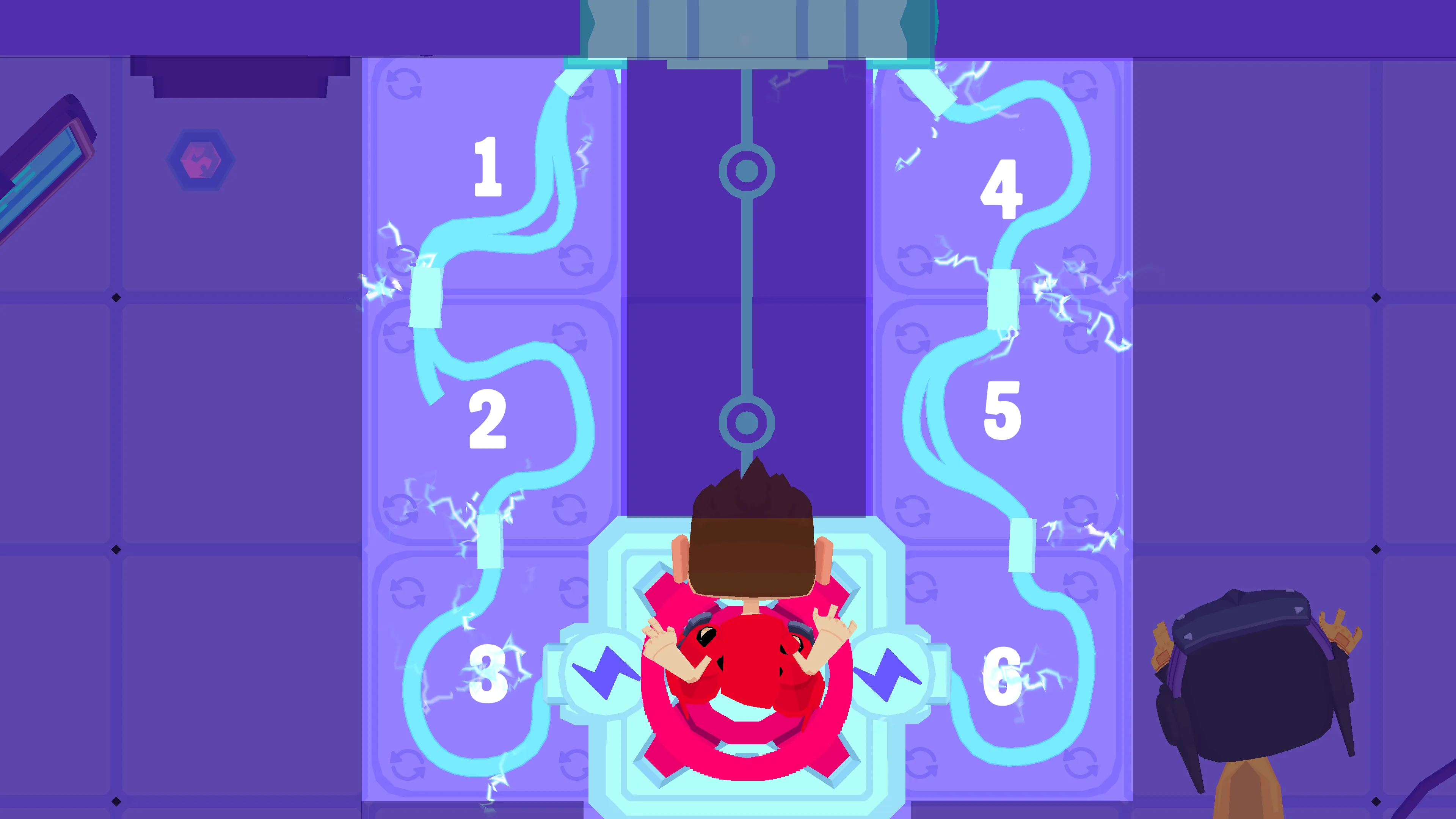
Puzzle 1 – Power Up the Door (Appendix 1)

In this puzzle, the students must help the player charge the door. They do this by solving a wiring puzzle in which they need to connect the wires correctly. The students can help the player by giving directions on which way the tiles should be rotated.

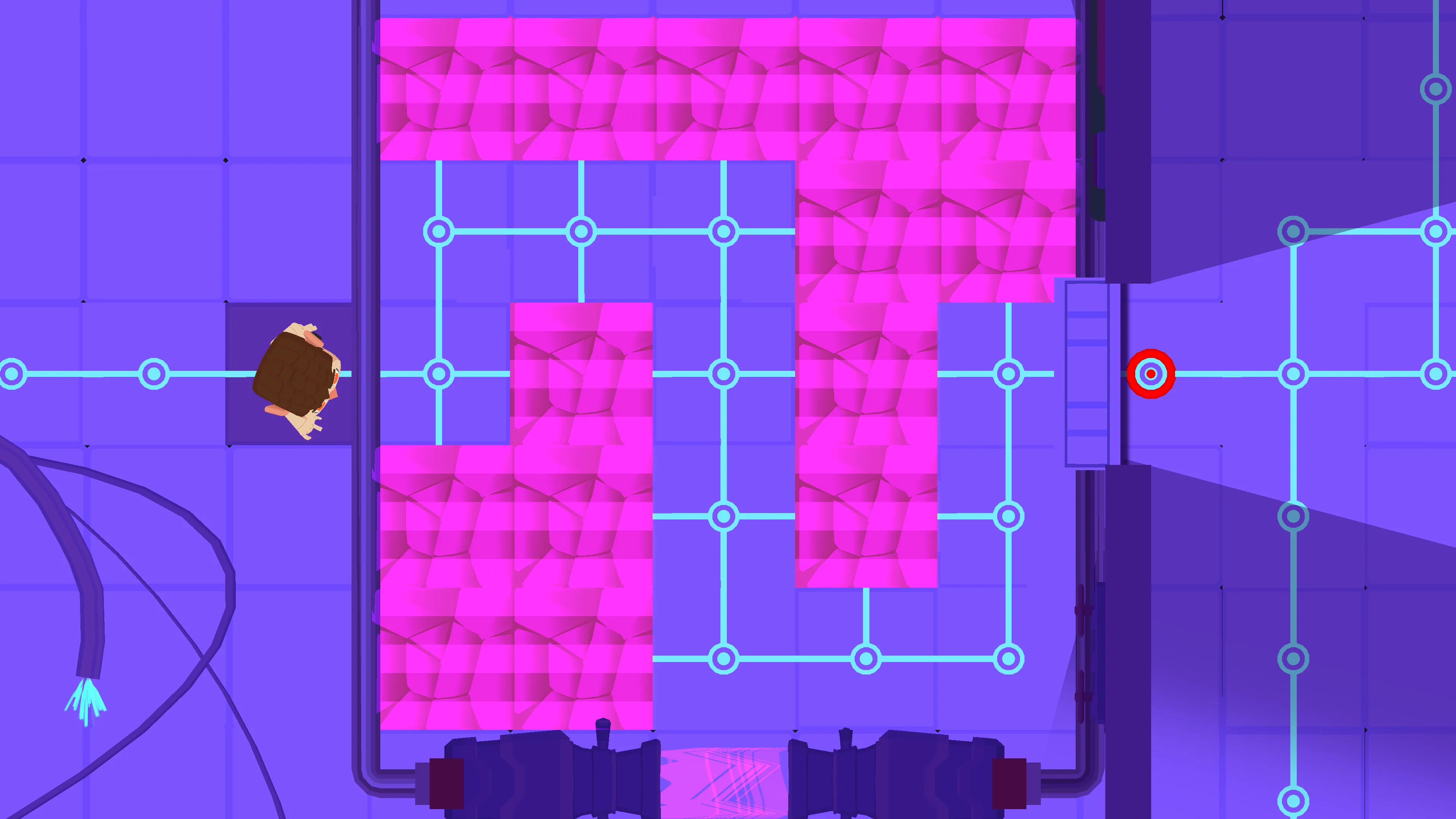
Puzzle 2 – Broken Tiles (Appendix 2)

When the player takes a step forward, the gaps disappear from view. The students must remember where the safe path is and guide the player by giving directions such as “up,” “straight ahead,” or “down.” When the player returns to the starting point, the gaps become visible again. If the player falls, they can try again.

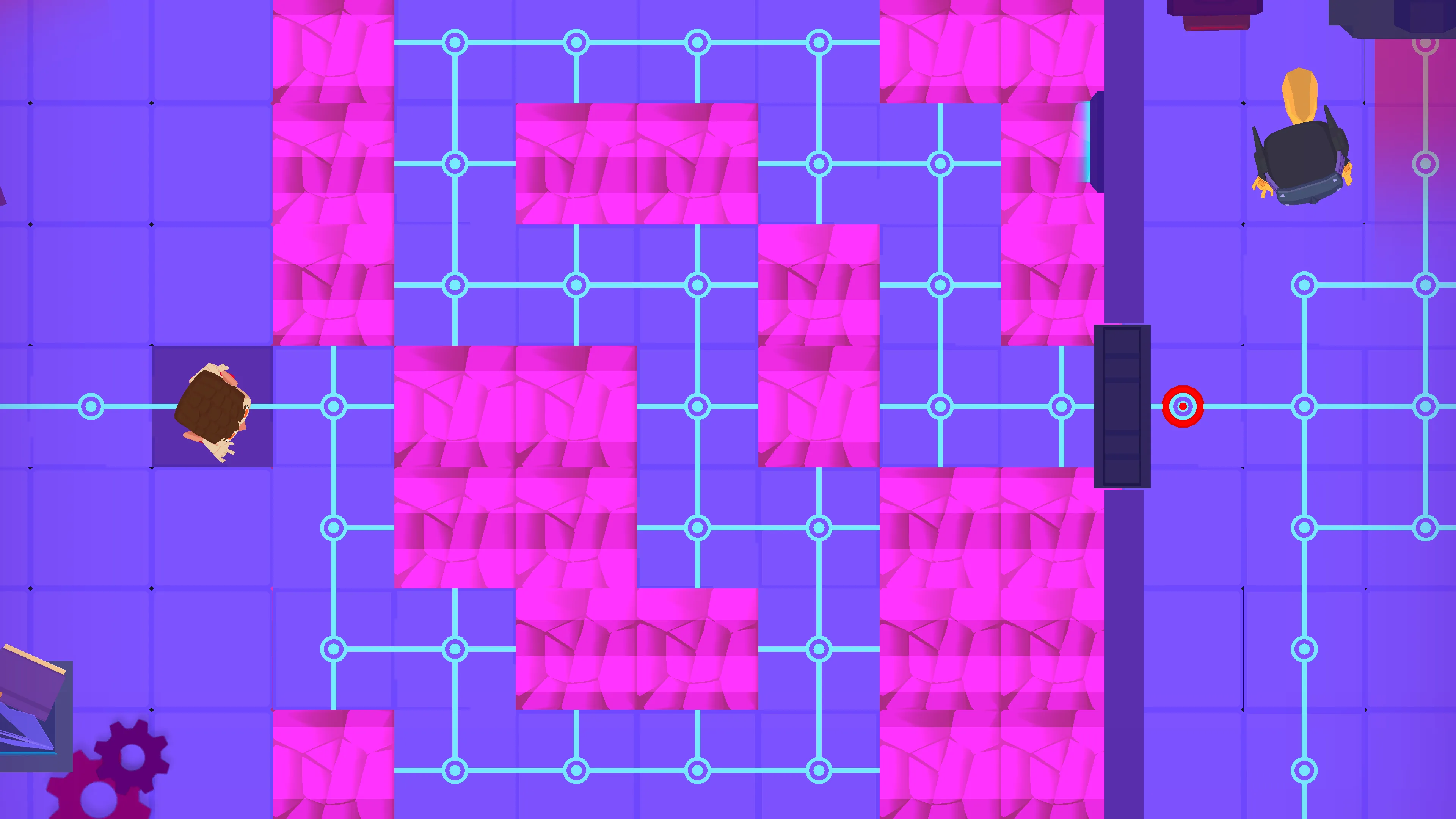
Puzzle 3 – Broken Tiles 2 (Appendix 3)

This puzzle works the same way as Puzzle 2 but is more challenging.

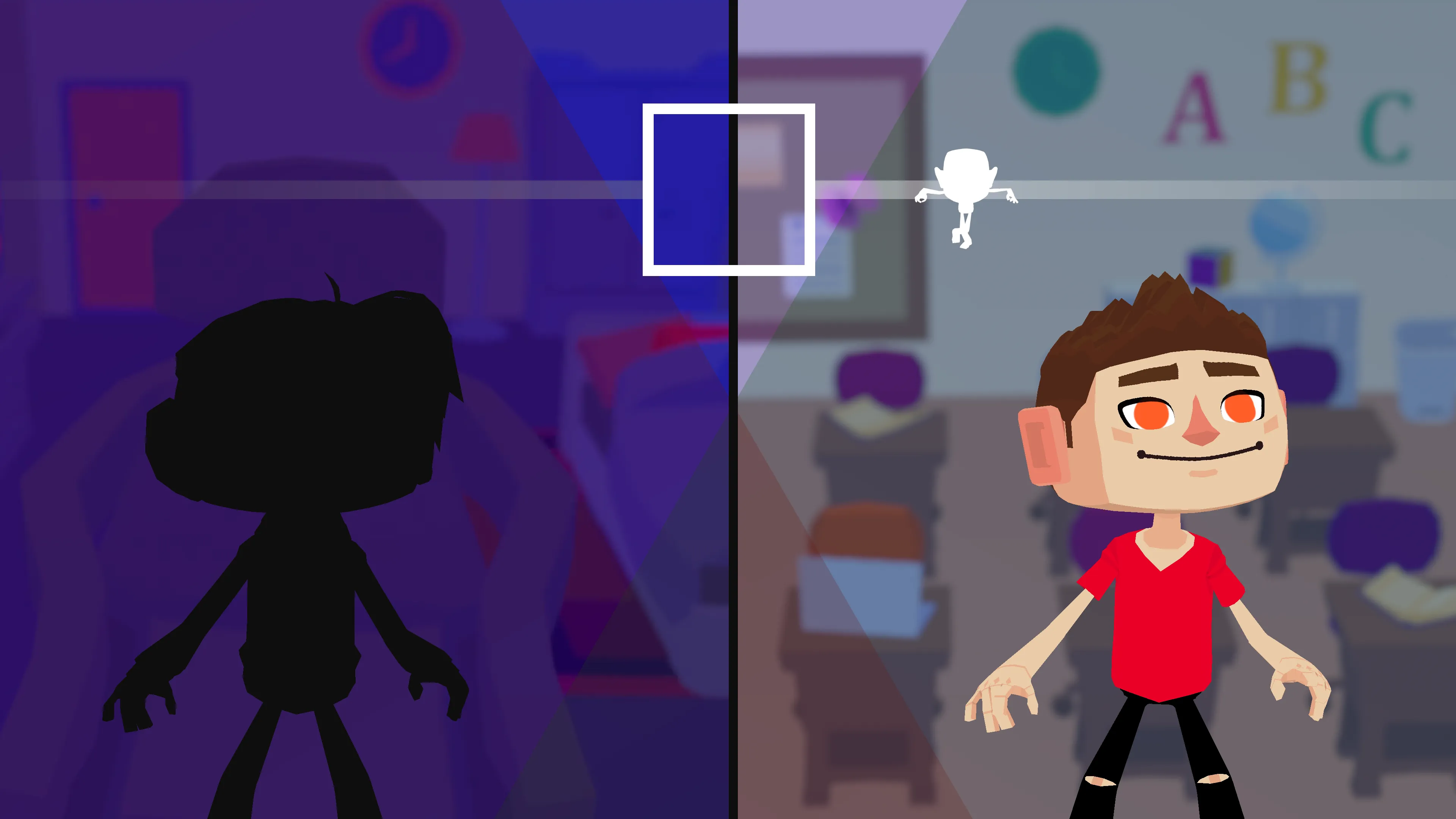
Energizer 2 – Pose Game (Appendix 4)

The students stand up and imitate the poses as soon as they appear in the box.

This activity serves as a symbolic reference to situations that can occur during online grooming. Children may sometimes be asked during video calls to do things on camera that others are not supposed to see, only to discover later that they were secretly recorded. Discuss this topic with the class in a safe and age-appropriate manner.

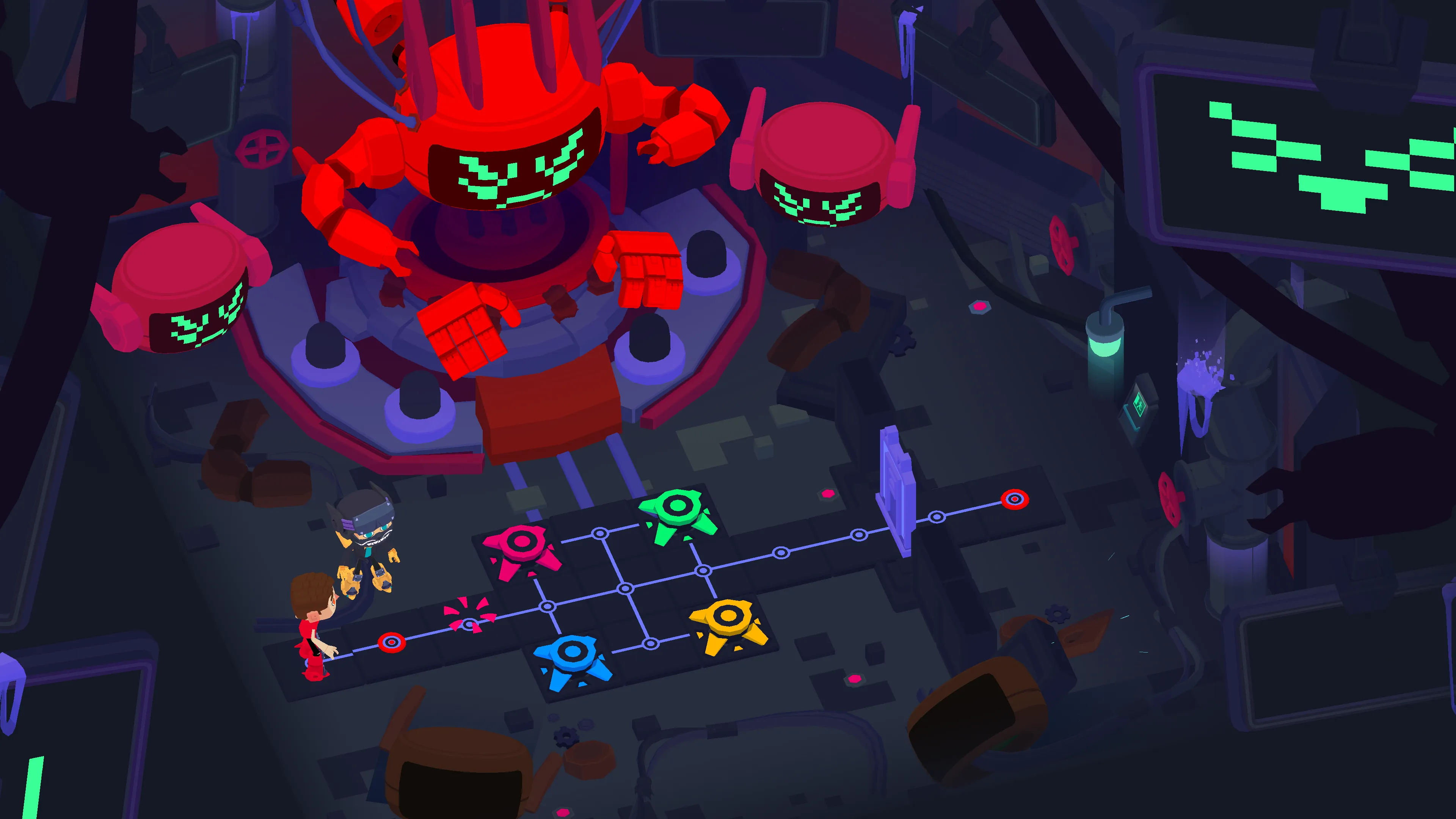
Puzzle 4 – Simon Says (Appendix 5)

The buttons next to the robot light up in different colors and in a specific sequence. The students must remember the sequence and then repeat it by jumping on the correctly colored buttons in the same order. If they succeed, the door will open.

Closing - 10 min

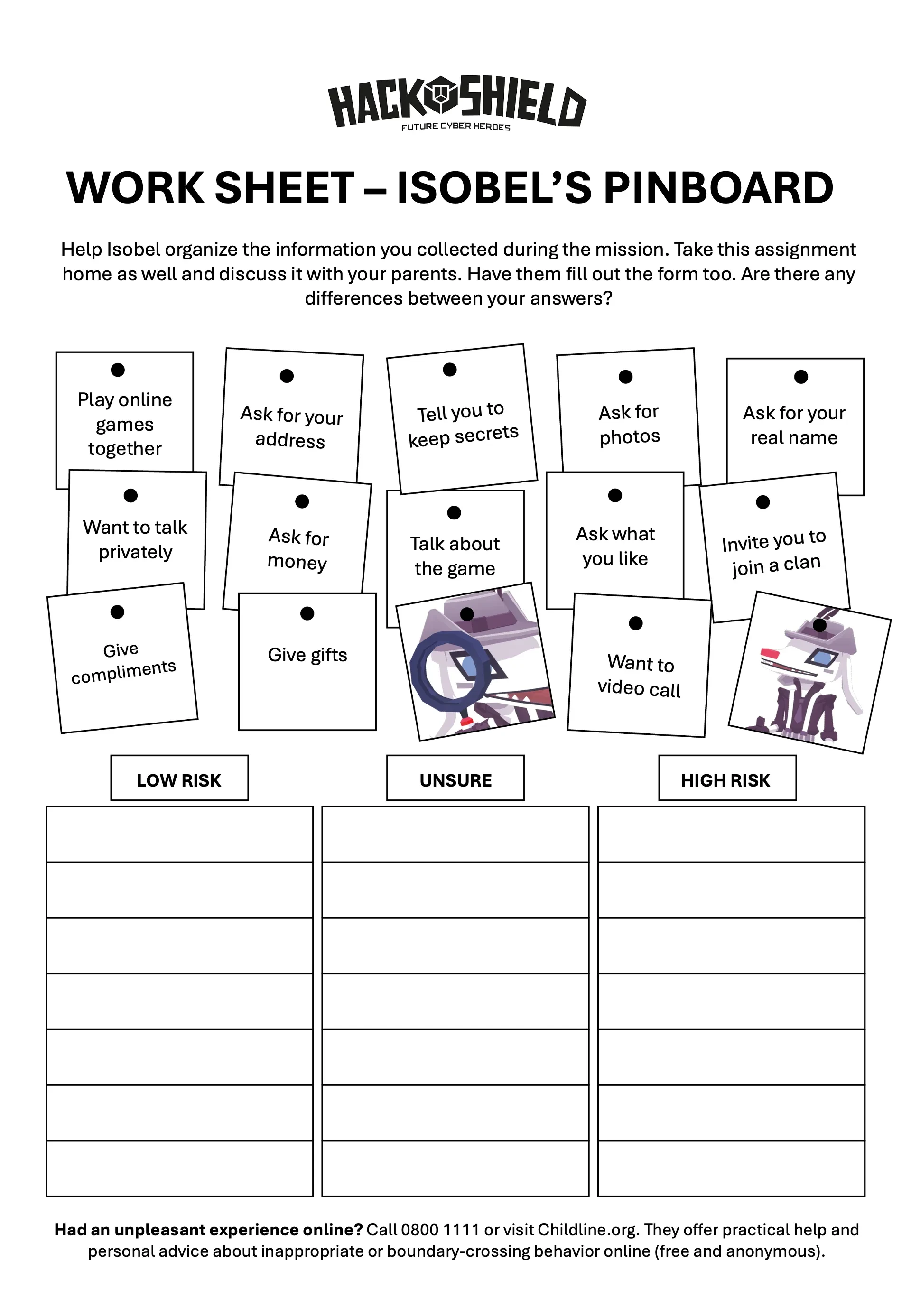
The students conclude the lesson with a final puzzle. In this activity, they help Isobel organize all the information gathered during the mission. Throughout the quest, Isobel has made various notes, which the students must sort into three categories: low risk, unsure, or high risk.

Each student receives a worksheet (Appendix 6: Isobel’s Pinboard). At the end of the lesson, students may take the worksheet home to continue discussing it with their parents or caregivers.

The purpose of this is to encourage open conversations between parents and children about online safety. It also helps parents gain a better understanding of their child’s online world and makes it easier for children to talk about their online experiences.

Tips

  1. To add a dynamic touch, consider having students take turns reading the text, making the experience even more engaging.
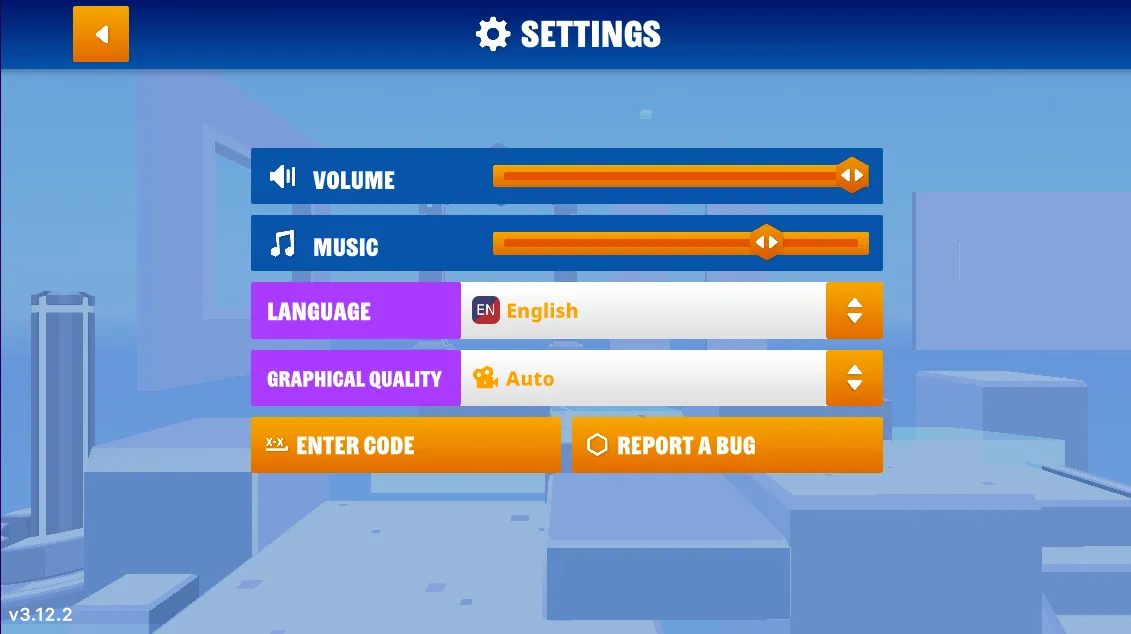
  2. If you prefer a silent quest, you have the option to turn off the sound. Simply navigate to the game's options menu, and you'll find the accompanying images on the right.
  3. Now, let's dive into the heart of our quest! Navigate to the game’s options menu where you can turn off the music.

Learn more

Additional Information About Grooming for Teachers

When people hear the term grooming, they often think only of sexual grooming, but grooming can take several other forms as well, including:

  1. Financial grooming. Examples: Someone persuades a child to send photos or videos, then threatens to share them publicly. The person demands money, gift cards, or other forms of payment in exchange for keeping the content private.
  2. Ideological grooming (radicalization). Examples: “Nobody understands you except us.” “That group of people is bad.” “The truth is being hidden from you.” Promoting an extreme or nihilistic worldview.
  3. Social grooming. Examples: “If you want to belong, you have to do this.” Encouraging participation in dangerous challenges. Normalizing bullying behavior. Presenting hatred or humiliation as “just a joke.”

Common Signs of Online Grooming

  1. Someone wants to keep secrets from parents, teachers, or friends.
  2. Someone asks for personal information.
  3. Someone pressures a child to move conversations to private chats or video calls.
  4. Someone gives excessive compliments, gifts, or special attention.
  5. Someone tries to make a child feel guilty.
  6. Someone attempts to isolate a child from their parents or friends.
  7. Conversations feel uncomfortable, but the child does not feel able to end them.

Appendix

Appendix 1 : Power Up Door

Answer:

Appendix 2: Broken Tiles

Answer:

Appendix 3: Broken Tiles 2

Answer:

Appendix 4 - Pose game

Appendix 5: Simon says

Answer: red - yellow - red - green

Appendix 6 - Isobel's Pinboard

Help Isobel sort the information you gathered during the mission.

To play Class Quests you need a teacher account

Do you already have a teacher account?